Plett Security logo Plett SecurityApp installation guide Open app

Plett Security mobile app

Install the app
on your phone.

Keep Plett Security assistance, emergency contacts, crime reporting and staff resources on your Home Screen.

Open Plett Security App

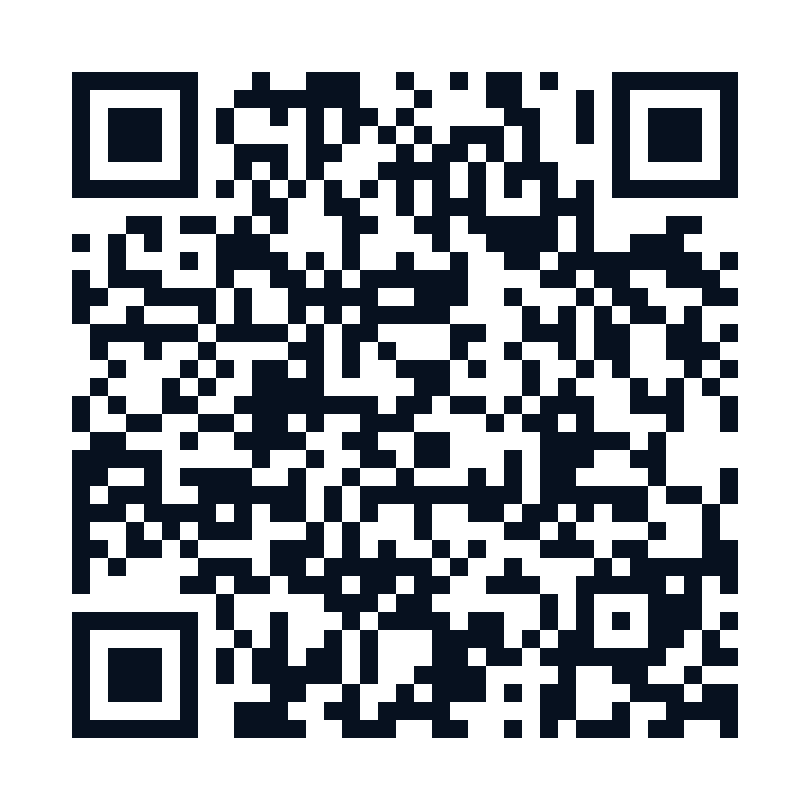
QR code for the Plett Security app installation guide
Scan with your phone cameraplettsecurity.co.za/install
Download QR code

Quick installation

Choose your phone.

iPhone

Install with Safari

  1. 1Open this link in Safari.
  2. 2Tap the Share button.
  3. 3Choose Add to Home Screen, turn on Open as Web App, then tap Add.

Android

Install with Chrome

  1. 1Open this link in Chrome.
  2. 2Tap Install Plett Security App above when it appears.
  3. 3If the button is not shown, open the Chrome menu and choose Install app or Add to Home screen.

Send to clients

One simple link.

Copy and send this link by WhatsApp, SMS or email.